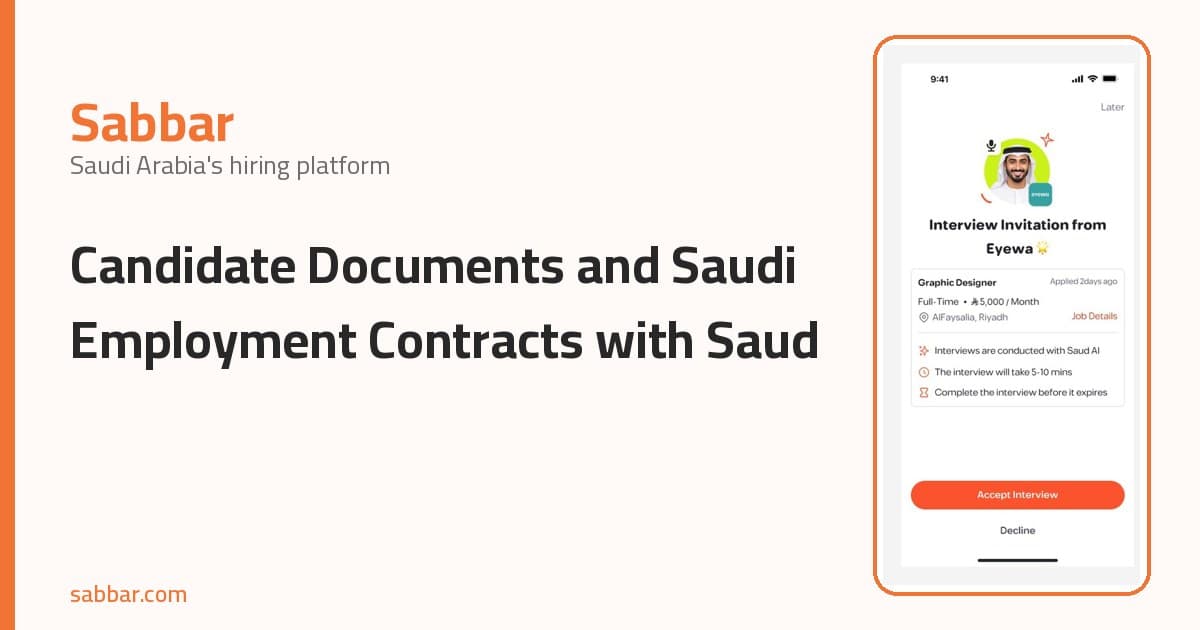
You accepted the candidate, and a stage as tiring as hiring itself begins: ID copy, certificates, IBAN, then an employment contract to document and GOSI registration. One employee takes ten follow-up messages; thirty for new branches take a lot more.
This article explains what Saud by Sabbar handles after the offer, what stays with the employer on government platforms, and gives a practical checklist from offer to day one.
What you will learn
- What onboarding new hires means and why it stalls.
- Saud's role in requesting and reviewing documents.
- The steps of the employment contract and who owns them.
- A checklist from offer to start date.
How does Saud relate to candidate documents and the employment contract?
Saud collects and reviews new hires' documents through Applicant Onboarding, part of the Enterprise plan. The employment contract itself is written by the employer and documented on Qiwa; Sabbar is not a party to it.
We say this plainly to avoid confusion: what is confirmed in Sabbar's product is requesting and reviewing documents. Issuing or documenting contracts is not one of Saud's jobs. For an introduction, read Saud by Sabbar: the AI recruiter guide.
Why does the post-offer stage stall?
It stalls because it is full of small follow-ups nobody owns.
- Missing documents: the employee sends half and forgets the rest.
- Unclear images: a cropped ID or an unreadable certificate.
- Scattered channels: some on WhatsApp, some by email.
- Costly delay: each late day pushes back the contract and the start.
- Silent withdrawal: an accepted candidate waits a week with no contact and takes another offer.
How does Saud help with new hires' documents?
Saud helps in three steps within Applicant Onboarding.
1. Requesting documents
The employer defines the documents needed from new hires, and they are requested directly instead of by individual messages.
2. Review
Saud reviews the documents the new hire sends. The aim is to catch what is missing or unclear early, before it holds up the contract.
3. Follow-up for your team
Your team knows who has finished and who has not, and focuses only on the late cases.
Hiring at volume and drowning in document chasing? Book a Saud demo and ask the team about Applicant Onboarding on Enterprise.

Sabbar is Saudi Arabia's leading local hiring platform
The go-to place for job seekers and employers across every sector in the Kingdom, with more than 1.5 million job seekers and thousands of companies
Get started with Sabbar today!
Which documents do employers usually request?
Documents vary by company and role; these are the most common in Saudi Arabia.
- National ID or Iqama copy.
- Academic qualification and professional certificates.
- Previous experience letters.
- Bank account number (IBAN) for salary.
- A health certificate for food workers.
- A photo for the staff card.
Request only what you really need and store it securely; this is personal data.
What are the steps of a lawful employment contract in Saudi Arabia?
The employment contract is the responsibility of the employer and the employee, in five steps.
- Agree the terms: title, salary, allowances, hours and probation.
- Choose the contract type: fixed-term or indefinite, full-time or part-time.
- Create the contract on Qiwa: from the establishment's account.
- Employee approval: the employee approves it from their own Qiwa account.
- GOSI registration: from the establishment's account with the General Organization for Social Insurance.
Who is responsible for what is also covered in Sabbar FAQs for Saudi employers.
Who does what? A clear split
- Saud (Enterprise): requesting and reviewing new hires' documents.
- The employer: the decision, drafting the contract, creating it on Qiwa and GOSI registration.
- The employee: sending documents and approving the contract from their account.
- Qiwa: contract documentation.
- GOSI: employee registration and contributions.
Checklist: from offer to day one
A practical list that works for any business.
- Offer day: send a written offer with salary, title and start date.
- Within 24 hours: request documents and set a deadline.
- When documents are complete: create the contract on Qiwa.
- After the employee approves: register them with GOSI.
- Two days before the start: send the location, arrival time and supervisor's name.
- Day one: welcome, role briefing and handing over uniform or tools.
- Week one: training and a short daily check-in.
A fuller plan is in this onboarding and training guide for retail and F&B staff.
How do you stop a candidate withdrawing after the offer?
You stop it with speed, clarity and contact.
- Do not leave a week with no message.
- Tell them what is needed, in order.
- Keep one channel, such as Sabbar chat.
- Set a near start date.
- Welcome them before day one.
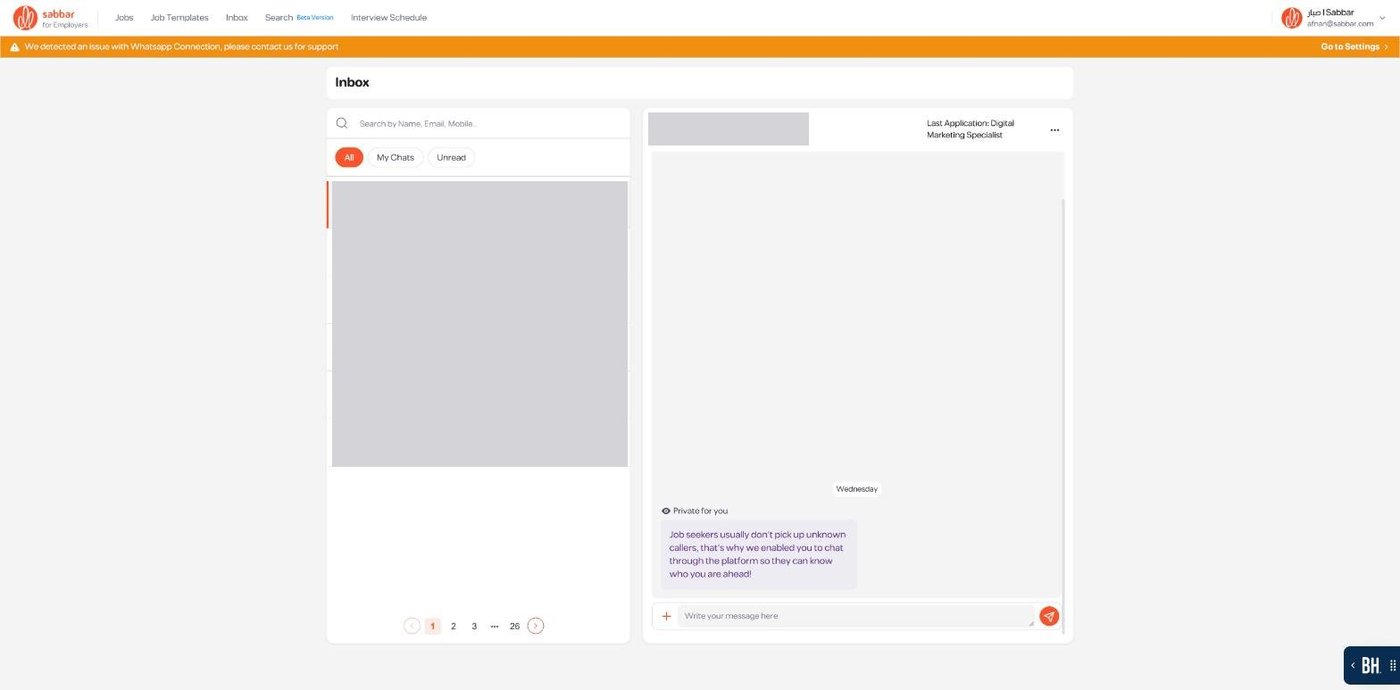
Sabbar chat lets you send PDFs, request documents and call from the same place.
How does this stage connect to the earlier ones?
The documents stage is the last link in Saud's work with large employers.
- Screening and matching.
- The first interview on WhatsApp.
- Interview scheduling and follow-up.
- Applicant onboarding and document review.
For volume hiring, read AI mass hiring for restaurant and retail chains.
Want to know which of these tools fit your company's size? Talk to the Saud team for a tailored walkthrough.
An illustrative example: the week between acceptance and day one
This illustrates the sequence of steps; it is not a real customer case. A café chain in Riyadh has accepted five new hires for a branch opening in ten days.
- Day one: each receives a written job offer, and the set documents are requested from all five at once.
- Days two and three: the hires send their documents and Saud reviews them. Two ID photos are unclear, so those two are asked to resend.
- Day four: HR sees that four are complete and one has not sent the health certificate, so only that one is chased.
- Days five and six: the employer creates the contracts on Qiwa and the hires approve them from their accounts.
- Day seven: the hires are registered with GOSI, and a welcome message goes out with first-day details.
The team did not chase five people on WhatsApp. It followed up one late case, and that is the practical difference.
How to keep an accepted candidate engaged until they start
The gap between acceptance and day one is when most candidates drop out. These simple steps keep them with you.
- A written offer the same day: a delayed offer means the candidate is still looking.
- A clear date for each step: when documents are due, when the contract arrives, and when they start.
- One contact person: a name and number the hire can turn to.
- A mid-way message: two lines to reassure them that everything is on track.
- First-day details two days ahead: location, time, dress code, and who will meet them.
A ready welcome message for day one
A short message before the start reduces anxiety and first-day no-shows. Here is wording you can adapt.
"Hello (name), we are glad you are joining the (company) team. You start on (day and date) at (time) at the (district) branch, and here is the map link. (Manager's name) will meet you. The dress code is (description), and please bring (original ID or what is needed). The first day is an introduction to the team and system training, ending at (time). For any question, contact (name and number)."
The message answers five questions every new hire asks: when, where, who, what to wear, and what to bring.
New hires' data: handle it with care
Onboarding documents are sensitive personal data, and how you handle them is part of your company's reputation and its legal compliance.
- Ask only for what is necessary: do not collect a document you will not use.
- Do not pass them around in groups: an ID photo in a WhatsApp group reaches people who do not need it.
- Limit who can see them: HR and the direct manager only.
- Keep them in one secure place: not on staff members' personal phones.
- Check your obligations: the Kingdom's Personal Data Protection Law sets rules for collecting and storing data, so review it with your legal adviser.
Common mistakes after accepting a candidate
- Requesting documents in batches: each new request delays the contract by a day or two.
- No deadline: "send them when you can" means a week of waiting.
- Starting before the contract is documented: it exposes the company to a violation and unsettles the employee.
- Closing the job too early: keep reserve candidates until the hire has actually started.
- An unplanned first day: an employee who arrives and finds nobody to meet them starts with a bad impression.
Shorten the road from offer to the first day at work
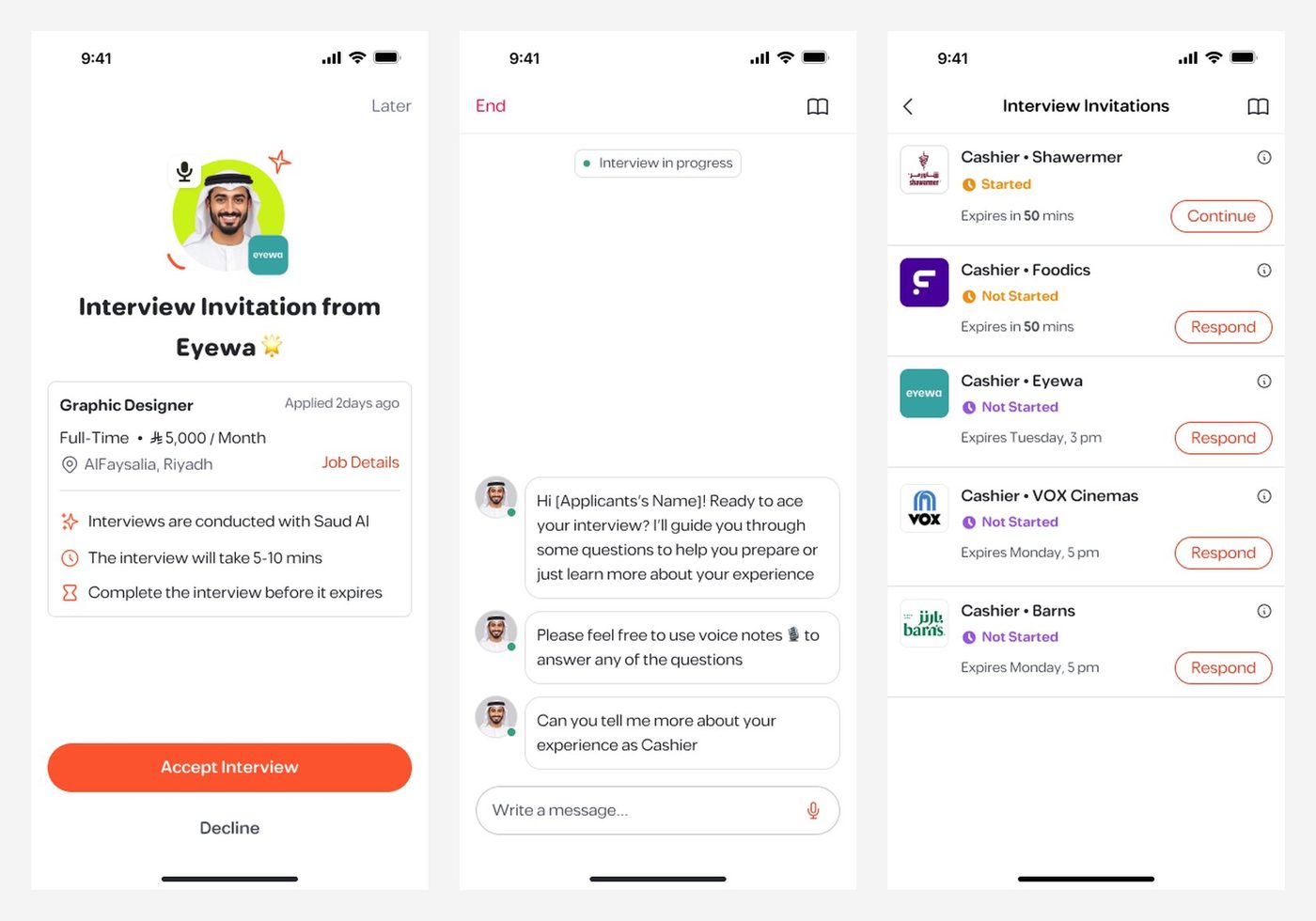
Saud stays with the candidate from screening until their documents are complete, while your team handles the contract and the welcome. Book a demo and see how Applicant Onboarding works on Enterprise.
Summary
After the offer, Saud on the Enterprise plan requests and reviews new hires' documents, while drafting a lawful employment contract, documenting it on Qiwa and registering with GOSI remain with the employer. With a clear split and a checklist, you get the candidate to day one without delay or withdrawal.
FAQs about documents and contracts with Saud
Does Saud issue employment contracts?
No. The employer creates the contract and documents it on Qiwa.
What does Saud do after a candidate is accepted?
On the Enterprise plan, he requests documents from new hires and reviews them.
Is Applicant Onboarding available in every plan?
No. It is part of the Enterprise toolset.
Who registers the employee with GOSI?
The employer registers the employee with the General Organization for Social Insurance.
Can I request documents through Sabbar chat?
Yes. Chat supports files and CV requests and works as a single channel with the candidate.