A good job post does half the hiring for you. A clear post brings applicants who fit; a vague one brings hundreds who do not. On Sabbar you can post a job for free in minutes, from your phone or your computer.
This guide walks through the steps in order, then gives practical tips that put your post in front of the right candidate and persuade them to apply.
What you will learn
- What a free job post on Sabbar means and where its limits are.
- The steps from sign-up to a live post.
- What you are not allowed to write in a post.
- Seven tips for a post that attracts candidates.
Post a job for free on Sabbar: what does it mean?
A free job post is a post the company publishes at no charge, and through which it sees the applicants who match. Contacting those applicants is what needs a paid plan.
A company with no active plan can publish a free job post. The rule Sabbar works by: pay only when you find the right candidate. For the other services, read the Sabbar for Employers guide.
How do you post a job on Sabbar, step by step?
You post a job on Sabbar in six steps. They are the same in the Companies App and on the web platform.
1. Register the company account
Registration is self-serve, with no sales call. You enter the company name, your name, Saudi mobile number, email, headcount and HQ city, then confirm the code sent by SMS.
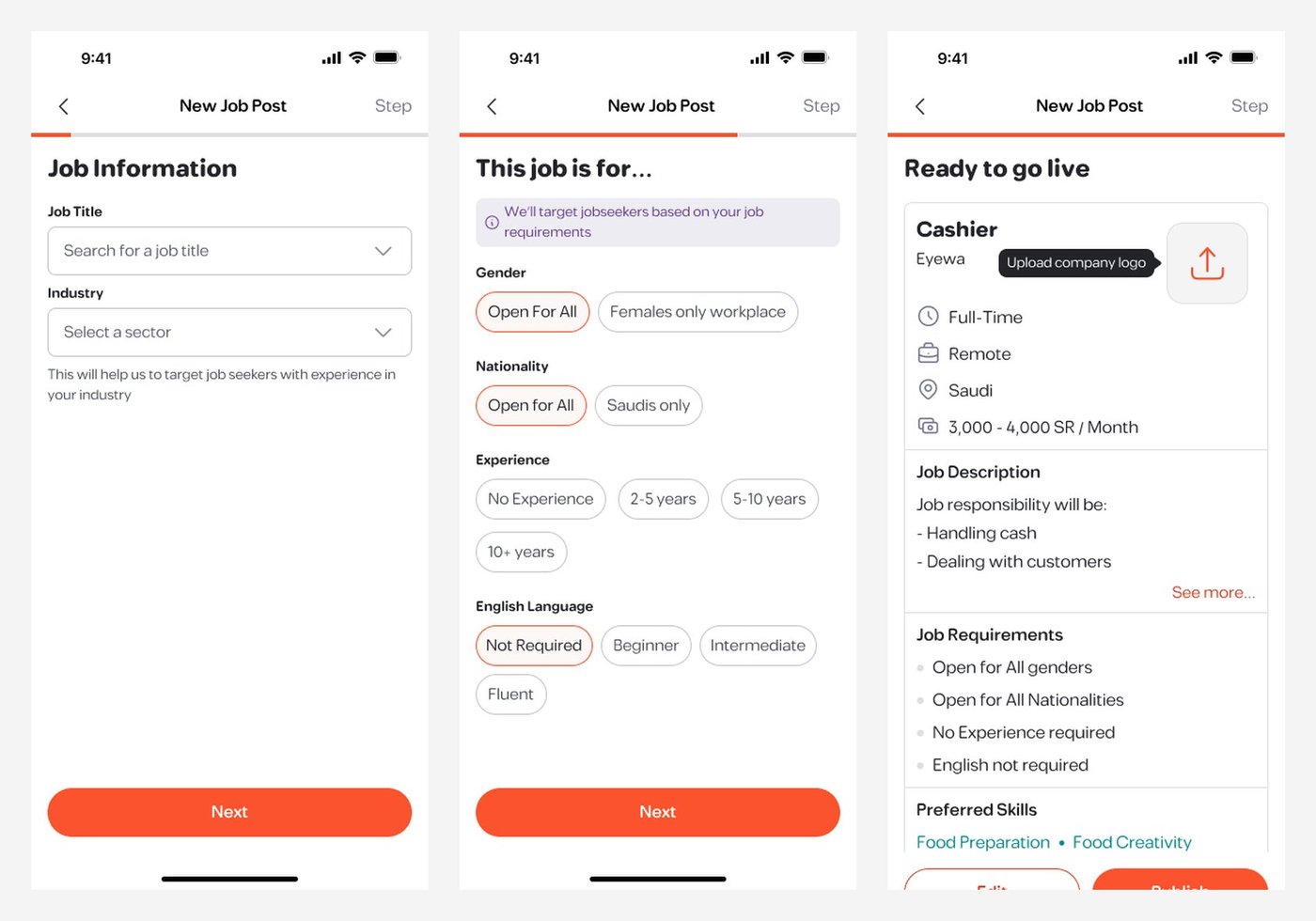
2. Choose the job title and sector
The job title is the first thing a candidate searches for. Pick it from the ready list rather than an internal title nobody recognises, then set the sector.
3. Set the contract type and workplace
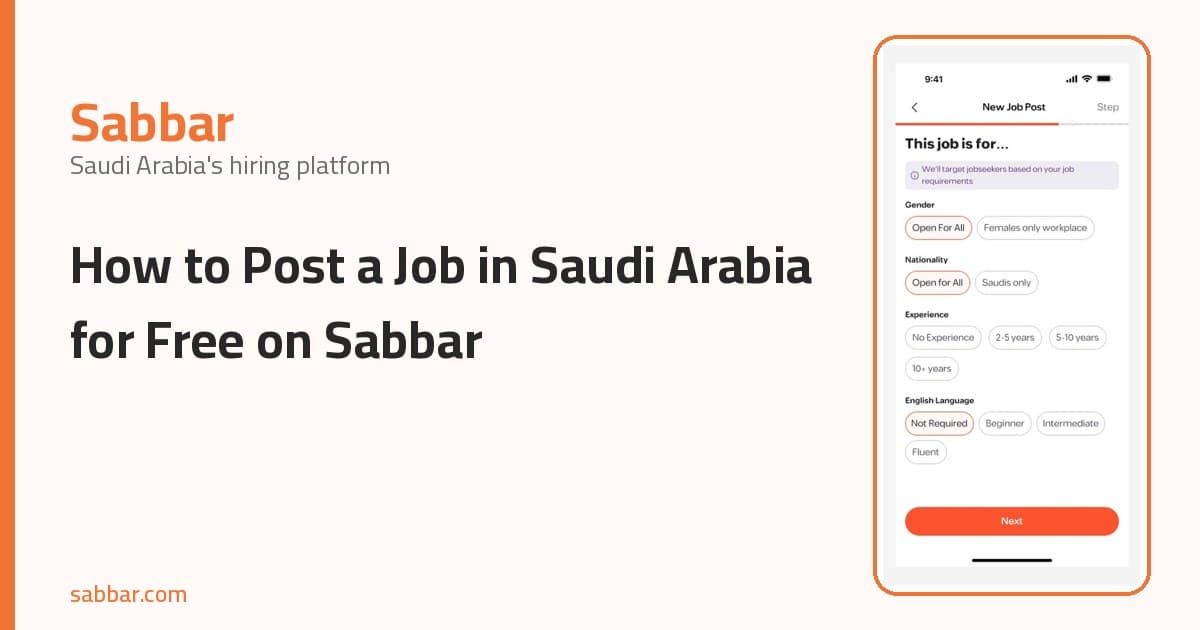
Choose the contract type: Full Time, Part Time, Temporary or Internship. Then set the workplace: On-site, Field or Remote, and the district.
4. Enter the salary
Salary can be monthly, daily or hourly. If the pay is below the market minimum, a fair-pay warning appears; it does not block publishing. You can also hide the salary from the post and use it for matching only.
5. Write the description and requirements
The job description explains the day-to-day duties. Write it yourself, tap "Write with Saud" to get a description and duty list drafted from the title in seconds, or "Rewrite with Saud" to improve your own text. Then set the requirements: experience, English level and skills.
6. Review and publish
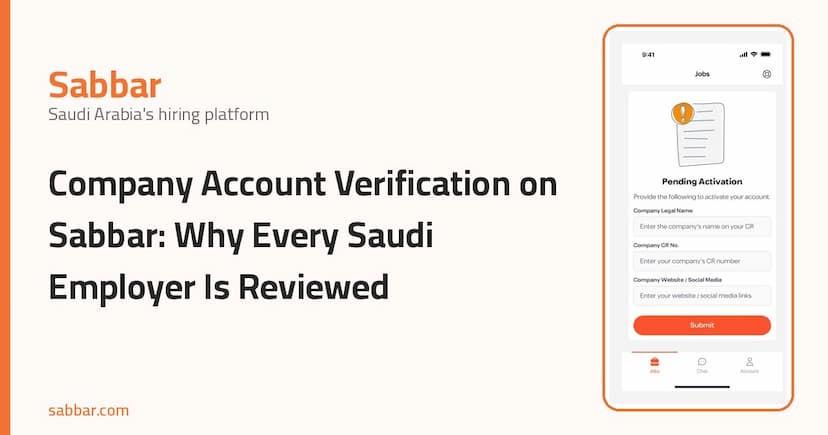
You see a preview before publishing. Tap Publish. If your company account is new, the post shows "Pending Approval" until Sabbar reviews the company details and Commercial Registration.
Those six steps take minutes. Start your free job post on Sabbar now and let matched applicants arrive while you get on with your day.

Sabbar is Saudi Arabia's leading local hiring platform
The go-to place for job seekers and employers across every sector in the Kingdom, with more than 1.5 million job seekers and thousands of companies
Get started with Sabbar today!
What are you not allowed to write in a job post?
Two kinds of content are not allowed in a post: direct contact details, and phrases that break Ministry of Human Resources and Social Development (MHRSD) rules.
- Phone numbers, emails and links: hidden automatically from the description; contact happens through Sabbar chat.
- Age, gender or nationality limits inside the description: highlighted for you to review before publishing.
This check protects you from an accidental violation and protects job seekers from discriminatory ads.
7 tips for a job post that attracts candidates
An attractive post answers the candidate's questions before they ask. These seven tips work.
- State the salary clearly: posts with a salary reassure candidates and reduce drop-outs later.
- Mention hours and shifts: especially in restaurants and retail.
- Name the district, not only the city: distance is decisive for frontline roles.
- List five to seven real duties: avoid filler such as "any other tasks".
- Separate must-haves from nice-to-haves: long requirement lists push good candidates away.
- Add the company logo and photos: a complete profile builds applicant trust.
- Mention the benefits: transport allowance, medical insurance, training or a path to promotion.
For where to look beyond the post itself, see this guide on finding fantastic employees for retail and F&B.
What happens after you publish?
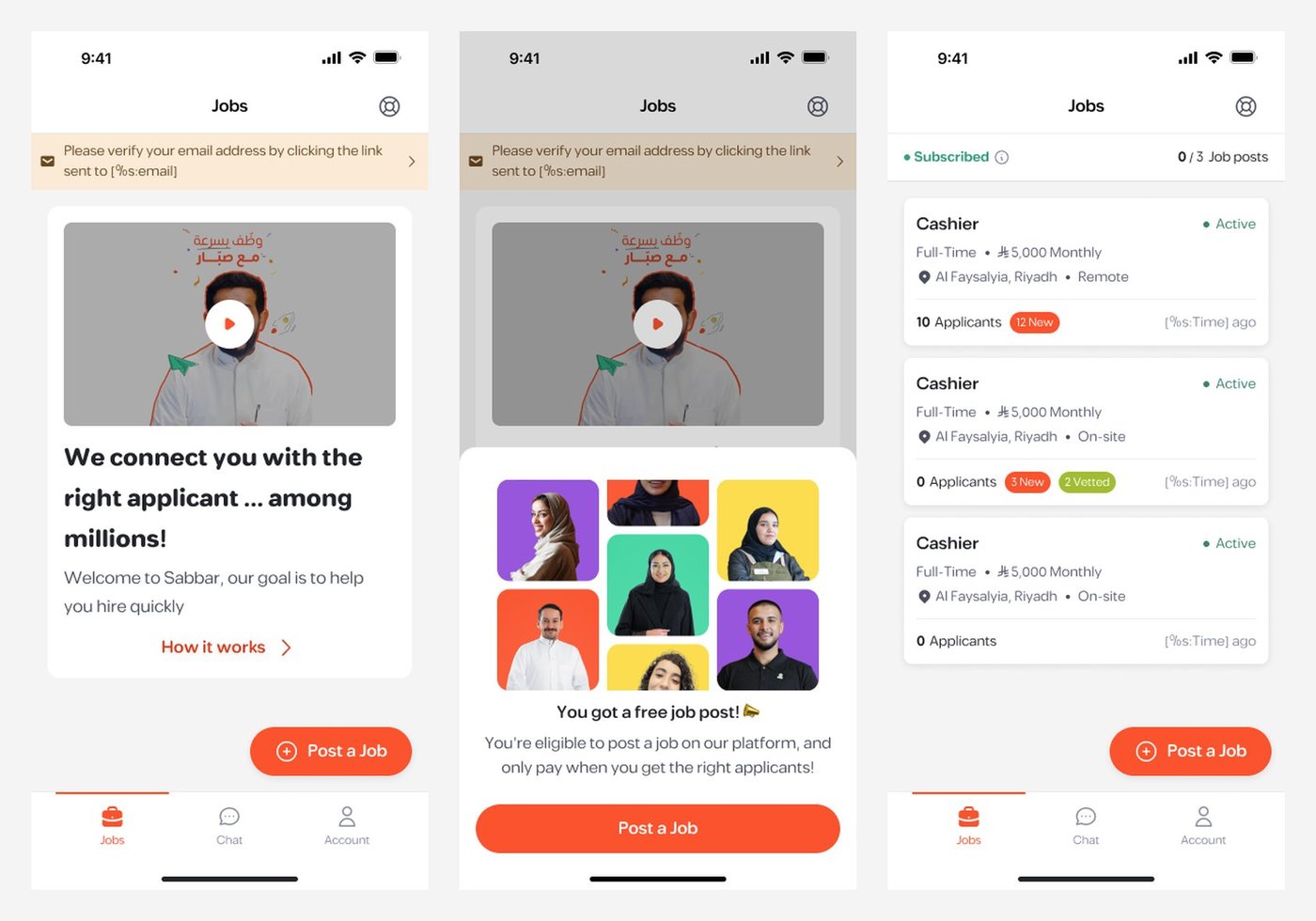
After publishing, Sabbar starts showing your post to suitable job seekers near the job's location. Most jobs receive matched candidates within 24 hours.
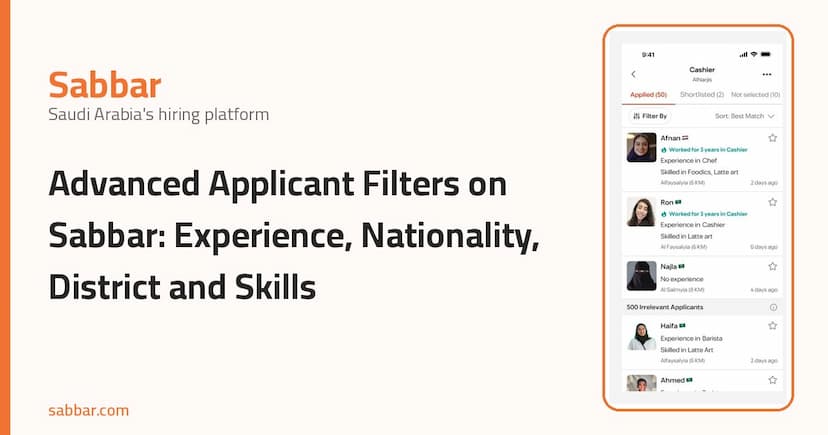
- Each applicant appears with a fit rating and a short reason.
- Sabbar recommends matching job seekers for you to invite.
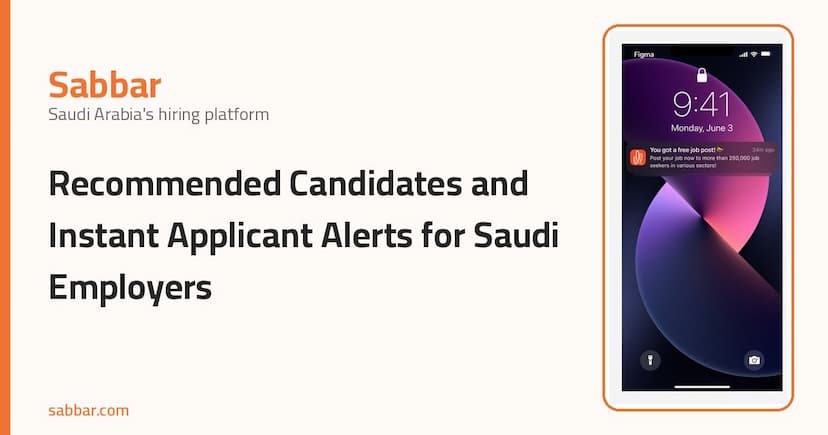
- The Companies App sends an alert the moment a new applicant arrives.
- You can close the job, reopen it, or clone it for another branch.
When a suitable candidate arrives and you want to reach them, choose one of Sabbar's plans, paid once with no auto-renewal.
Example: a weak post and a strong post for the same job
The difference between a post that brings five suitable applicants and one that brings a hundred unsuitable ones is detail. Compare two versions of one job at a restaurant in Riyadh.
The weak post: title "Restaurant staff". Description: "Active employee needed for a restaurant, good salary, serious applicants only." No salary, no district, no shifts, and nobody knows the duties.
The strong post:
- Title: Cashier, picked from the list.
- Contract: full time, evening shift, one day off a week.
- Location: the Al Narjis branch.
- Salary: a fixed monthly figure plus transport allowance.
- Duties: take orders on the point of sale, collect payments, close the till at the end of the shift, answer customer questions, keep the pickup area tidy.
- Requirements: one year in a similar role and basic English.
The second post takes five more minutes, and it makes matching work for you and removes the repeated questions in chat.
Mistakes that stop a post from attracting applicants
If two days pass without enough applications, check these causes before blaming the market.
- An unfamiliar title: internal titles such as "Customer Happiness Specialist" are not what people search. Use the common title.
- Requirements above the salary: long experience and excellent English at an entry-level salary shrink your matched applicants.
- A long copied description: generic paragraphs tire a reader on a phone. Write short duties as bullet points.
- An incomplete account: the post stays pending until your company details and Commercial Registration are complete.
- Ignoring the first applicants: not replying to the earliest applicants wastes your best chances, because they are usually the most serious.
How to follow up in the first 48 hours
The first two days after publishing decide how the post performs. Here is a simple follow-up plan.
- Right after publishing: check the preview and confirm the salary and location appear the way you want.
- In the first 24 hours: review matched candidates as they arrive, and invite the recommended job seekers who suit you to apply.
- On day two: filter by experience and district, move the best to Shortlisted, and clearly reject those who do not fit.
- Before the end of day two: contact your best three to five candidates and book interviews.
When to edit the post or promote it
Editing a post is a decision based on what you see in the applicant list, not on waiting.
- Too few applicants: relax the requirements that are not essential, or review the salary against the fair-pay warning.
- Many applicants, few matches: make the title more precise and put the requirements in their fields.
- Applicants from distant districts: check that the branch location is set precisely.
- An urgent role: job post promotion is included in Premium and Premium Plus and raises visibility among suitable job seekers.
- The same role at another branch: clone the post and change the location instead of writing it again.
Post your job now and receive candidates within 24 hours
Your post reaches more than 1.5 million job seekers in Saudi Arabia. Publish it for free, review the applicants who match, and pay only when you decide to contact the ones who fit.
Summary
It is free to post a job on Sabbar and it takes minutes: a title from the list, contract and location, a clear salary, a description written by Saud or by you, then publish. The more precise the post, the faster and better the candidates.
FAQs about posting a job on Sabbar
How many free job posts can I publish?
A company with no active plan can publish a free job post and see matched applicants. For more posts you choose a plan, with a discount when buying more than one.
Does my post go live immediately?
It goes live immediately if the company account is already approved. New accounts stay pending until the review is complete.
Can I hide the salary?
Yes. There is a hide salary option, and the figure is then used for matching only.
Can I put a WhatsApp number in the post?
No. Phone numbers, emails and links are hidden from the description, and contact happens securely through Sabbar chat.
Do I need experience writing job descriptions?
No. "Write with Saud" drafts a description and duty list from the job title in seconds.